

Hello PowerUsers, welcome back to my blog. Today, I am going to show you how to read values from the Choice and Choices columns which are present in Dataverse in Power Automate Flows.
Lets say we have a table Items and it has a Choice column named Category and Choices column named Tags.

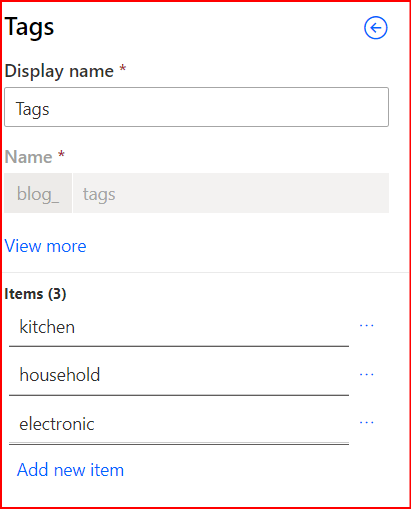
We have a flow which will be triggered whenever a new item is added, modified or deleted from this table and in the flow we want to fetch the values of Category and Tags for each item.
Lets take a look at the below flow. Here, we are directly trying to use the column names available in the Dynamic Content and assign them to variables.

Now, lets check the output of the above flow:
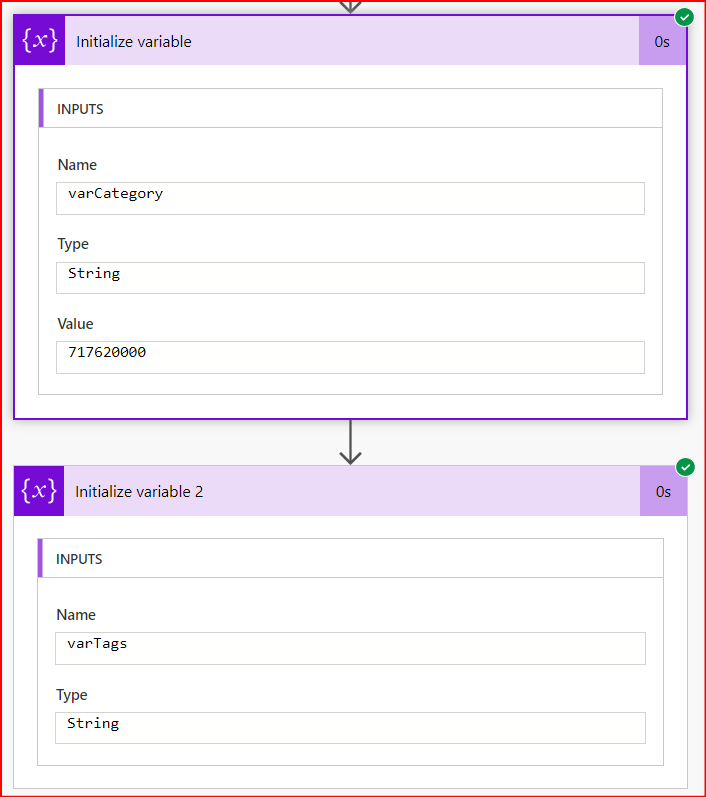
As seen above, the value of varCategory is 717620000, which is available in the property blog_category (below). And the values of the Tags column is not available in the output of the trigger body.

So first thing first, we will try to get the value of the Choice column Category field and that can be done by reading the value of the property _blog_category_label.
Modification in the flow:
Method 1. Using triggerOuputs()
In the Initialize variable step, change the value of variable varCategory to triggerOutputs()?[‘body/_blog_category_label’] using Expressions as shown below

Method 2. Using Get a row by ID
In this, we will use the outputs of Get a row by ID action. So lets add this action first as below.
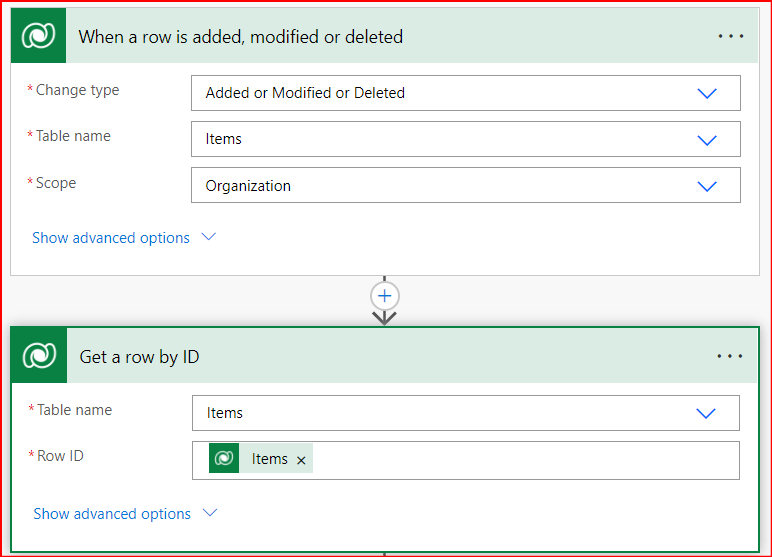
and add a new action to initialize a variable which will store the value from the output of the Get a row by ID action.
Use the below expression:
outputs('Get_a_row_by_ID')?['body/blog_category@OData.Community.Display.V1.FormattedValue']
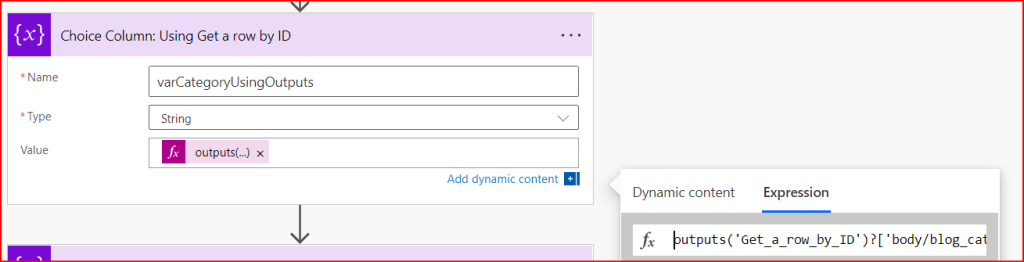
Output when the above flow gets executed:
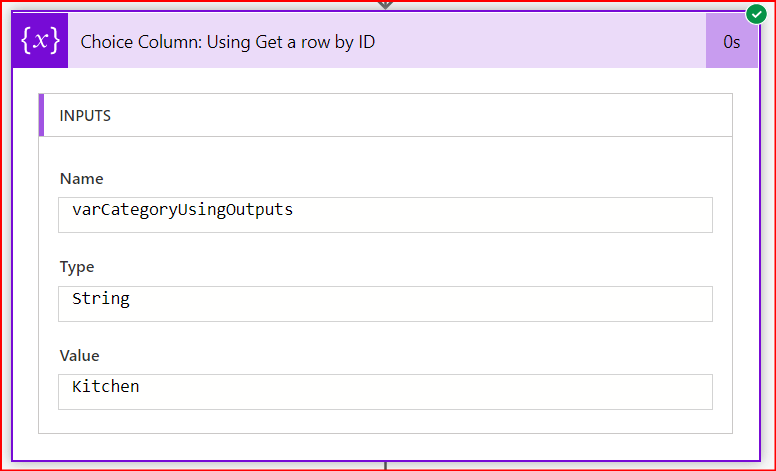
Now that we have successfully fetched the value from the Choice type column, lets work on the Choices type column.
Modification in the flow:
We will use the outputs from the Get a row by ID action to get the values of Tags column as we did in Method 2 above. As we saw in the outputs of the Get a row by ID, the tags values are available in body/blog_tags@OData.Community.Display.V1.FormattedValue property.
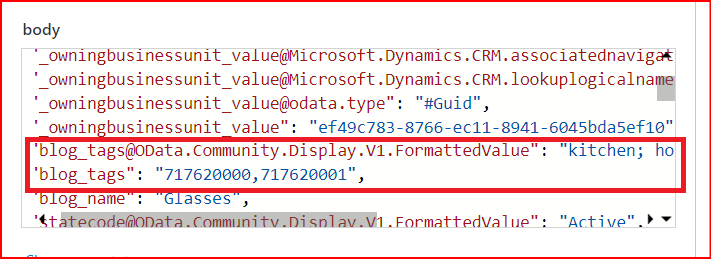
Use the below expression to assign the value to varTags variable:
outputs('Get_a_row_by_ID')?['body/blog_tags@OData.Community.Display.V1.FormattedValue']

Output of this is that the variable varTags has now all the values as a string.

Thank you for sticking by. Hope you found it helpful. See you in my next blog.


 Power Platform Tips and Tricks
Leave a comment